Policies
The Policies page shows what can stop a package from reaching you. Its Licences tab lists which SPDX licences your organization allows, permits with a condition, or blocks, and whether that policy is enforced; its Controls tab summarizes every policy gate that can refuse a download. Members, administrators, and owners can open the page; only an administrator can change what it shows.
Dependably records the SPDX licence of every package it caches, so the information is there even when enforcement is off, and every version's package page shows its licence against this policy.
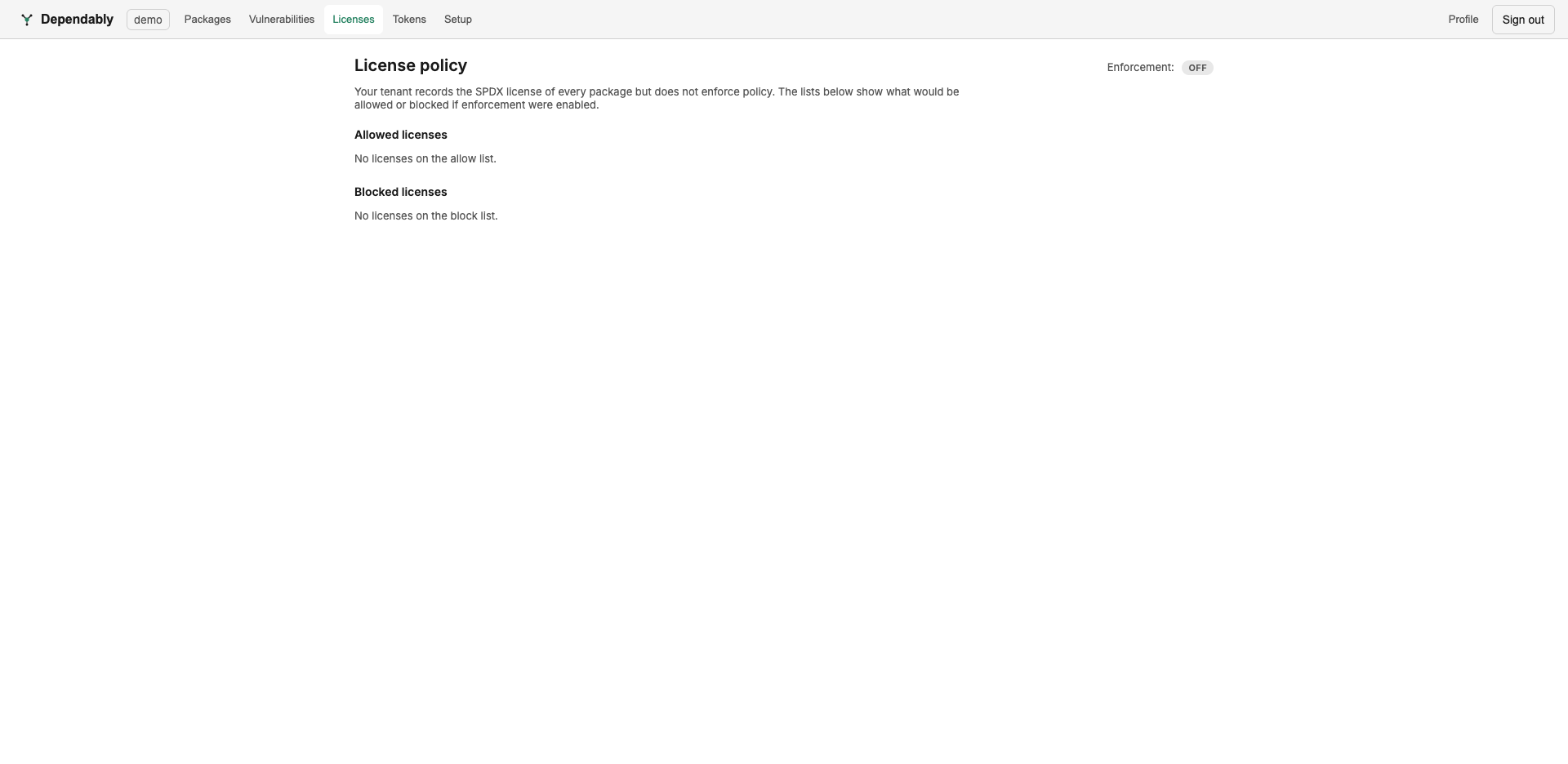
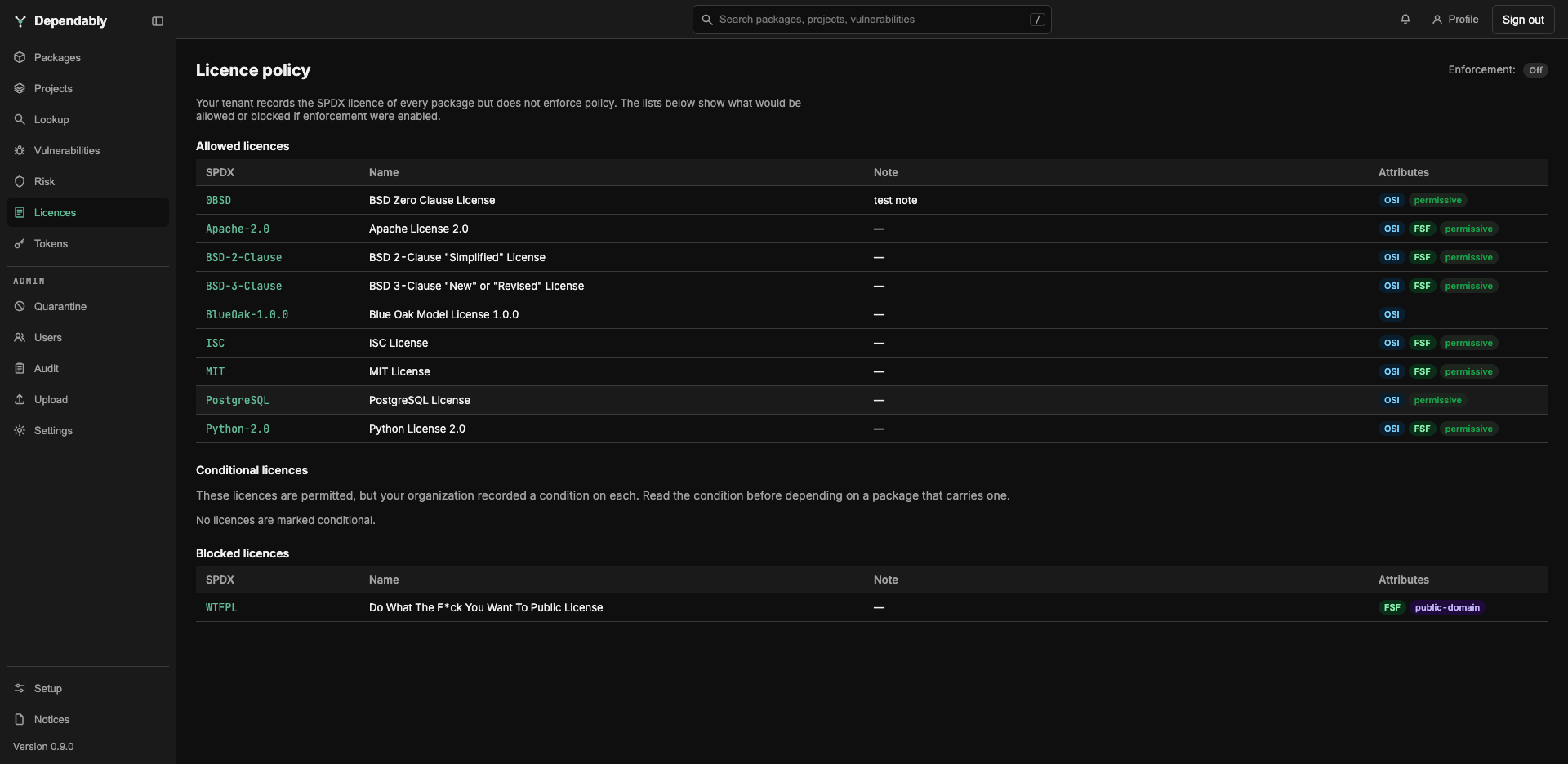
Licences tab
Enforcement
The Enforcement badge at the top shows one of three modes. Hover the information icon beside it for what the mode means for your organization.
- Off: licences are recorded but never affect a download or a publish. The lists show what would be allowed or blocked if enforcement were turned on.
- Warn: packages are still served and published. Lookup reports a licence outside the policy, or a conditional one, as a warning.
- Block: a download or a publish is refused when the package's licence is not on the allow or conditional list, or appears on the block list. This applies to versions already in your registry as well as new fetches. For npm, PyPI, NuGet, Maven, Cargo, RPM, and Hex a download of a version with no licence recorded is refused too, and an empty allow list refuses every package that declares a licence. A refused download reaches your package manager as a blocked package.
The lists
| List | What it means for a package carrying the licence |
|---|---|
| Allowed licences | Passes the policy. |
| Conditional licences | Passes the policy, but your organization recorded a condition on it. Read the Condition column before depending on a package that carries one; a row with no condition says to ask an administrator. |
| Blocked licences | Refused under Block. The block list wins over the other lists. |
Each row shows the SPDX identifier, the licence Name, the Note or Condition an administrator recorded, and Attributes: OSI and FSF approval, the copyleft class (permissive, weak copyleft, strong copyleft, network copyleft, or public domain), and deprecated for an identifier SPDX has retired. Select an SPDX identifier to read the full licence text; where Dependably has no bundled copy, a View upstream link opens the reference text.
Controls tab
The Controls tab is a read-only table of every policy gate that can refuse a download, whether it is on or off, grouped under Vulnerabilities & malware, Package lifecycle, Signatures & provenance, and Access & licence. Each row names the Control and its Setting: Off, the mode it runs in, or its threshold, such as a CVSS score it blocks above or how long it holds new versions. Signature verification has one row per ecosystem.
Hover the information icon beside a control for what it does and the block reason a refused download carries for it, so you can match a blocked package to the row that explains it. A warning under a setting flags a control that is not refreshing its data (it still enforces on what is already recorded), or a signature check set to block with no trust anchor configured, which blocks every package of that ecosystem.
Above the table, Proxy: allowlist & blocklist only shows Block when your organization restricts installs and publishes to packages on its PURL allowlist.
Who can change it
Changing the enforcement mode, the licence lists, or any control is an administrative action, done from Settings. Each licence-policy edit is recorded on the Configuration tab of the Audit log, under the Licence policy actions. See Access control (RBAC) for who holds that permission.