Browsing packages
The Packages page lists every package your registry holds, whether your organization published it or it was proxied from upstream, and lets you open any one to see its versions, verify a checksum, and check whether it carries an advisory.
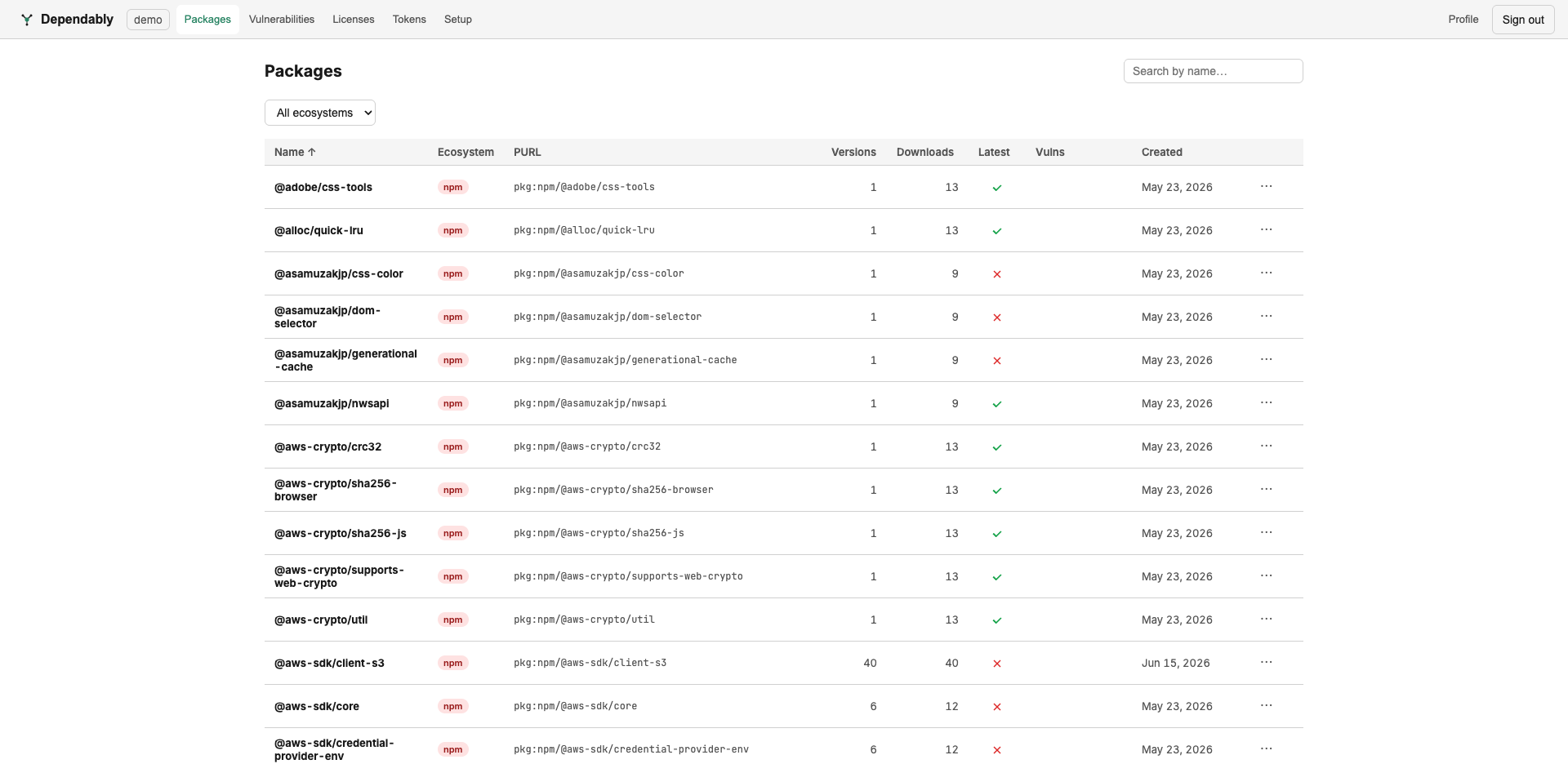
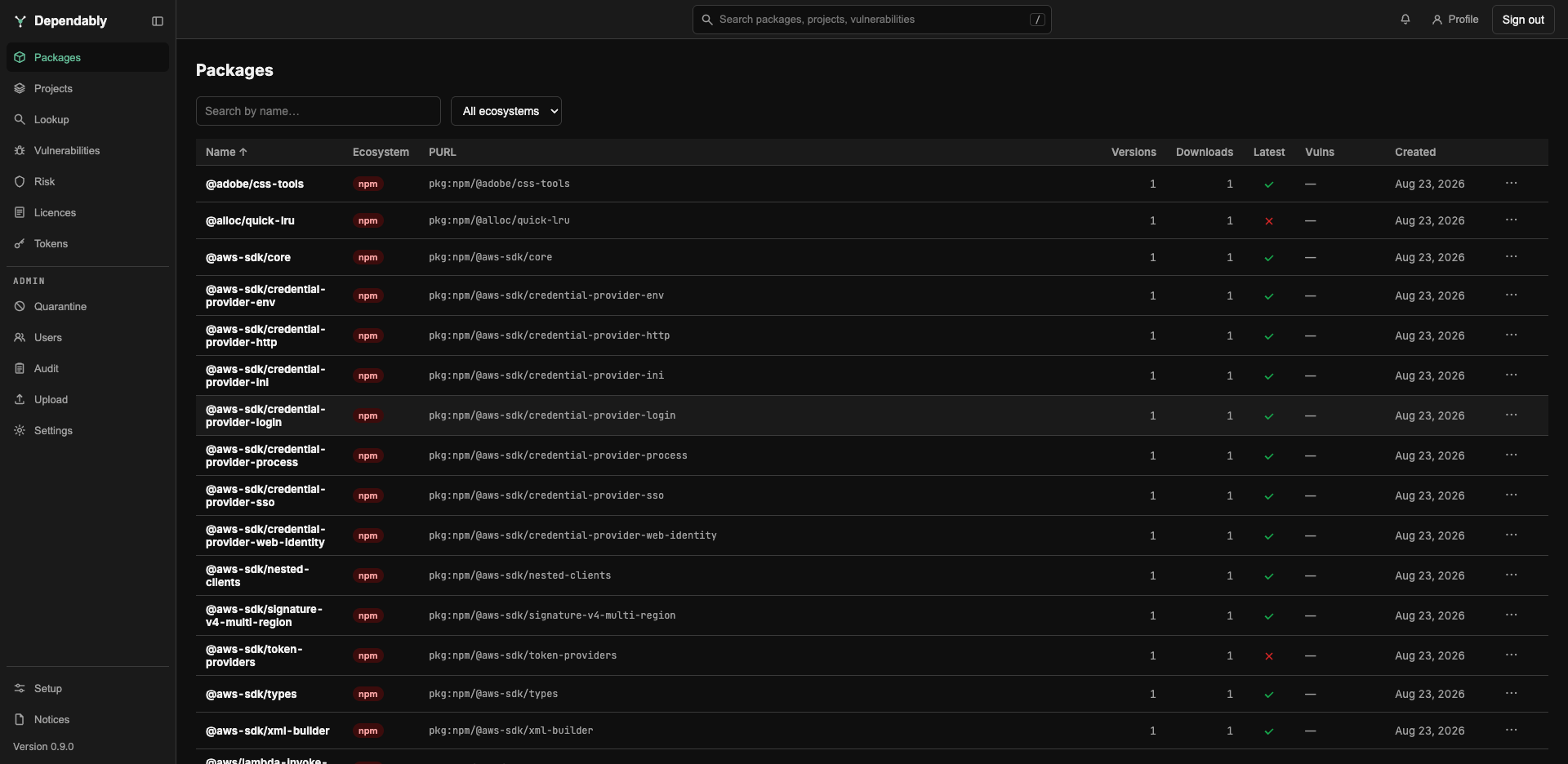
Find a package
The Search by name box matches any part of the package name, ignoring case. The ecosystem filter offers All ecosystems, PyPI, npm, NuGet, Maven, RPM, Docker, Go, Cargo, Alpine apk, Terraform, or Hex. Sort by selecting a column header; every column sorts except Latest. Page through results at the bottom, choosing 20, 50 (the default), 100, or 200 rows per page.
| Column | Meaning |
|---|---|
| Name | The package name. A Malicious badge means a version is flagged as known-malicious; a KEV badge means a version carries an advisory in the CISA Known Exploited Vulnerabilities Catalog. |
| Ecosystem | A coloured badge for the ecosystem. |
| PURL | The package URL, a standard identifier for the package, for example pkg:npm/@babel/core. |
| Versions | How many versions are in your registry. |
| Downloads | All-time download count. |
| Latest | A check means the newest upstream version is here; a cross means a newer upstream version exists but is not cached; a dash means there is nothing to compare against. Hover for the upstream version number. A warning icon beside it marks a package abandoned: no upstream release in over a year. |
| Vulns | One pill per severity with the count of advisories affecting the package, or a dash when none are known. |
| Created | When the package first appeared in your registry. |
Select a row to open the package. The ⋯ menu at the end of a row offers Copy install command, the plain install command for that package manager, pointing at your registry. It is not offered for Maven and Terraform, which need a version, or for Docker, which needs a tag. When your organization's version overwrite policy is not set to block every overwrite, administrators use the same menu to allow or block same-version pushes for one package; see Settings.
Package detail
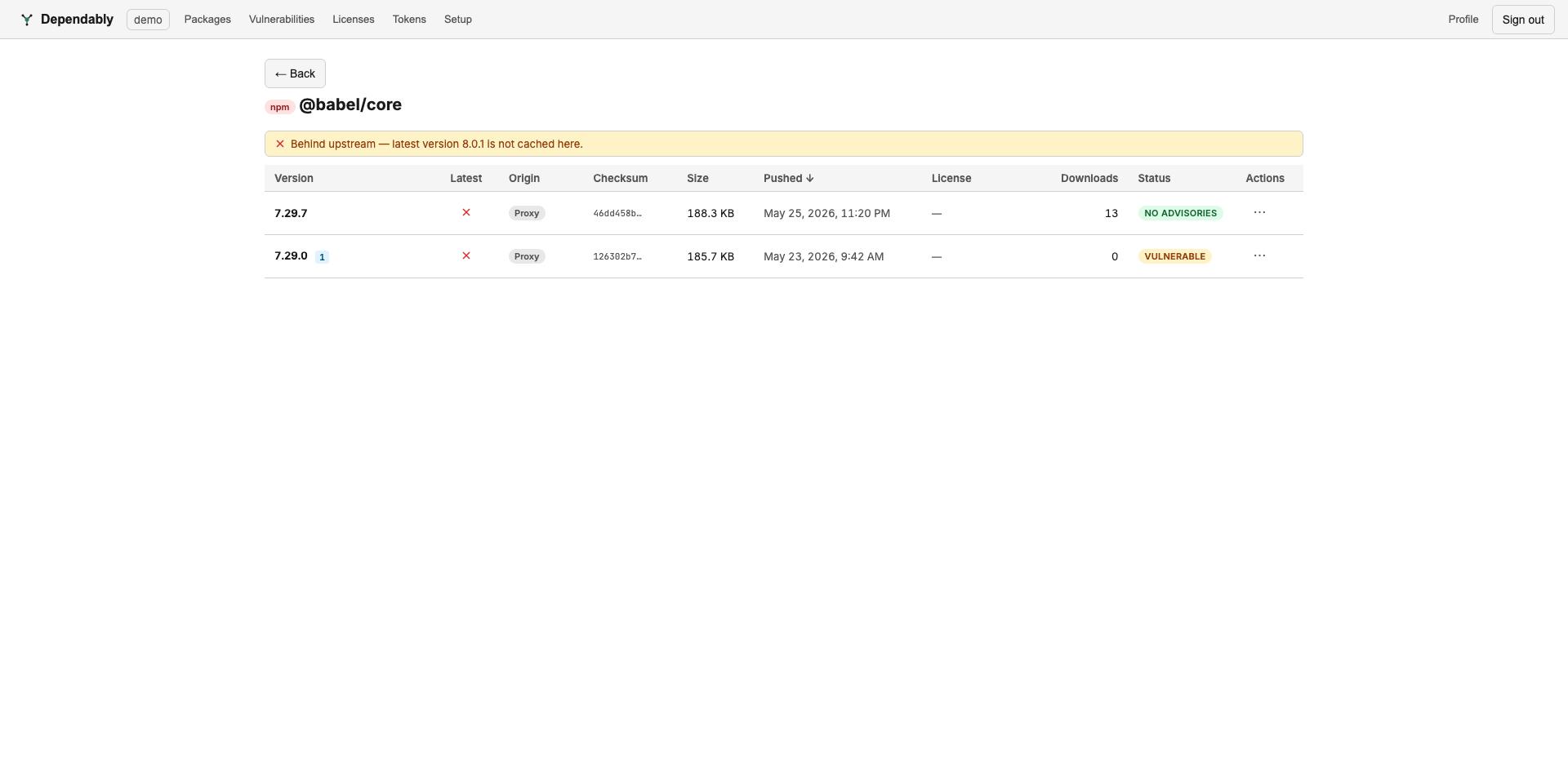
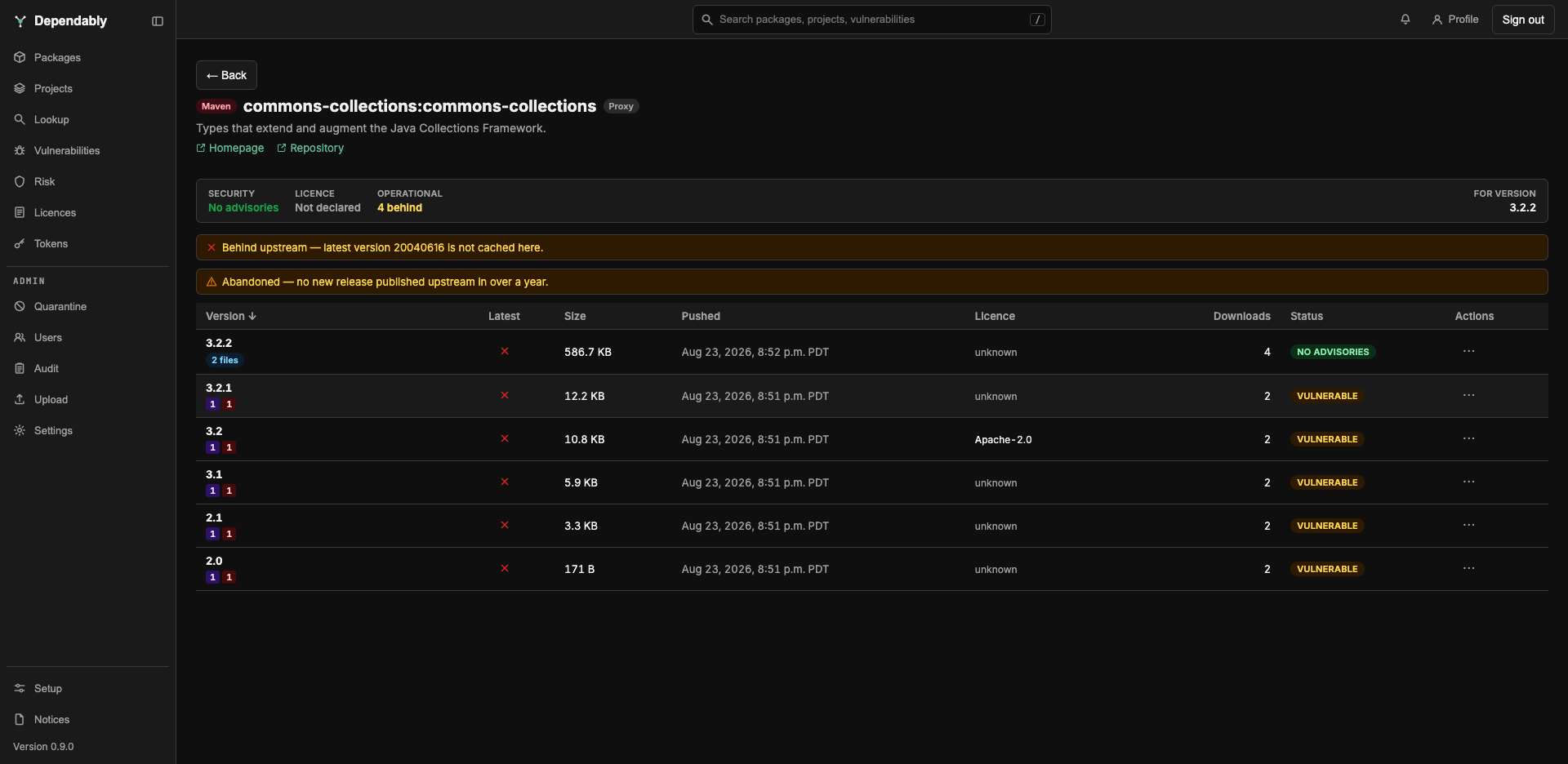
The header names the package, shows whether it is Hosted (published to your registry) or Proxy (cached from an upstream), and lists the description, author, and Homepage or Repository links when the package provides them.
When any of your projects list this package in their software bill of materials (SBOM), a line such as 2 applications ship this says how many. Expand it to see which project versions ship which version.
The Security, Licence, and Operational pillars describe one version, named beside them after For version: the newest upstream version when it is cached here, otherwise the newest cached version. They show that version's worst advisory severity, its licence standing (No risk, Review, Blocked licence, or Not declared), and how many stable releases it is behind upstream. Every other version's state is in the table below.
A banner says whether the package is behind upstream (the latest version is not cached here) or up to date, and a second banner marks it abandoned when no new release has been published upstream in over a year.
Versions
| Column | Meaning |
|---|---|
| Version | The version string, with badges for anything notable: the file count for multi-file versions, yanked, deprecated (hover for the reason), revoked, runs install scripts, the signature status (signature verified, signature failed, or unsigned), and NuGet symbol packages. Severity pills show the advisories affecting the version. |
| Tag | (Docker only) The image tags that point at this digest. |
| Latest | A check means this is the newest upstream version; a cross means a newer one exists; a dash means there is nothing to compare against. |
| Size | Artefact size, summed across files for multi-file versions. |
| Pushed | When this version last landed in your registry. |
| Licence | The SPDX licence recorded for the version, or unknown. It is marked when your organization's policy blocks it or flags it as conditional. |
| Downloads | Download count for this version. |
| Status | No advisories, Vulnerable, Allowed (vulnerable), Deprecated, Blocked, Unscanned (not checked for advisories), or No advisory feed for ecosystems that have no vulnerability database. Unscanned and No advisory feed mean Dependably could not vouch for the version either way, not that it is clean. A Malicious badge appears beside the status when the version is flagged. |
| Actions | Download the artefact. A multi-file version has no menu here; download each file from its expanded row. |
Expand a row for the details. The full SHA-256 checksum has a Copy
button, and the upstream integrity value is shown where the ecosystem
publishes one; compare the checksum with sha256sum <file> on a download to
confirm the bytes match. The row also shows the install command for this exact
version, its PURL, when it was published, how many stable releases behind
upstream it is, when it was last scanned, and every advisory affecting it.
Multi-file versions (a Maven jar with its pom, a PyPI wheel with its sdist, a
NuGet package with its symbols) list each file with its own checksum, size, and
Download button. Where the upstream registry has a page for the version,
Published at links to it (View page on each file of a multi-file
version).
What an administrator sees here
Administrators and owners also see Rescan, Block, Unblock, and Delete on a version's Actions menu, and a Local only or Mixed badge in the header when the package name has been claimed for your organization. Those actions and the roles that hold them are described in Access control (RBAC).
Related
- Advisories across all packages: Vulnerabilities.
- Versions that are behind upstream or carry a risky licence: Risk.
- Check a package before it is in your registry: Lookup.