Projects
Packages are the artefacts your registry serves. Projects are the applications you build with them. Each project holds one or more versions, and each version is described by an uploaded software bill of materials (SBOM), so you can see every component an application ships, which of them carry advisories, and whether the version passes your organization's policy.
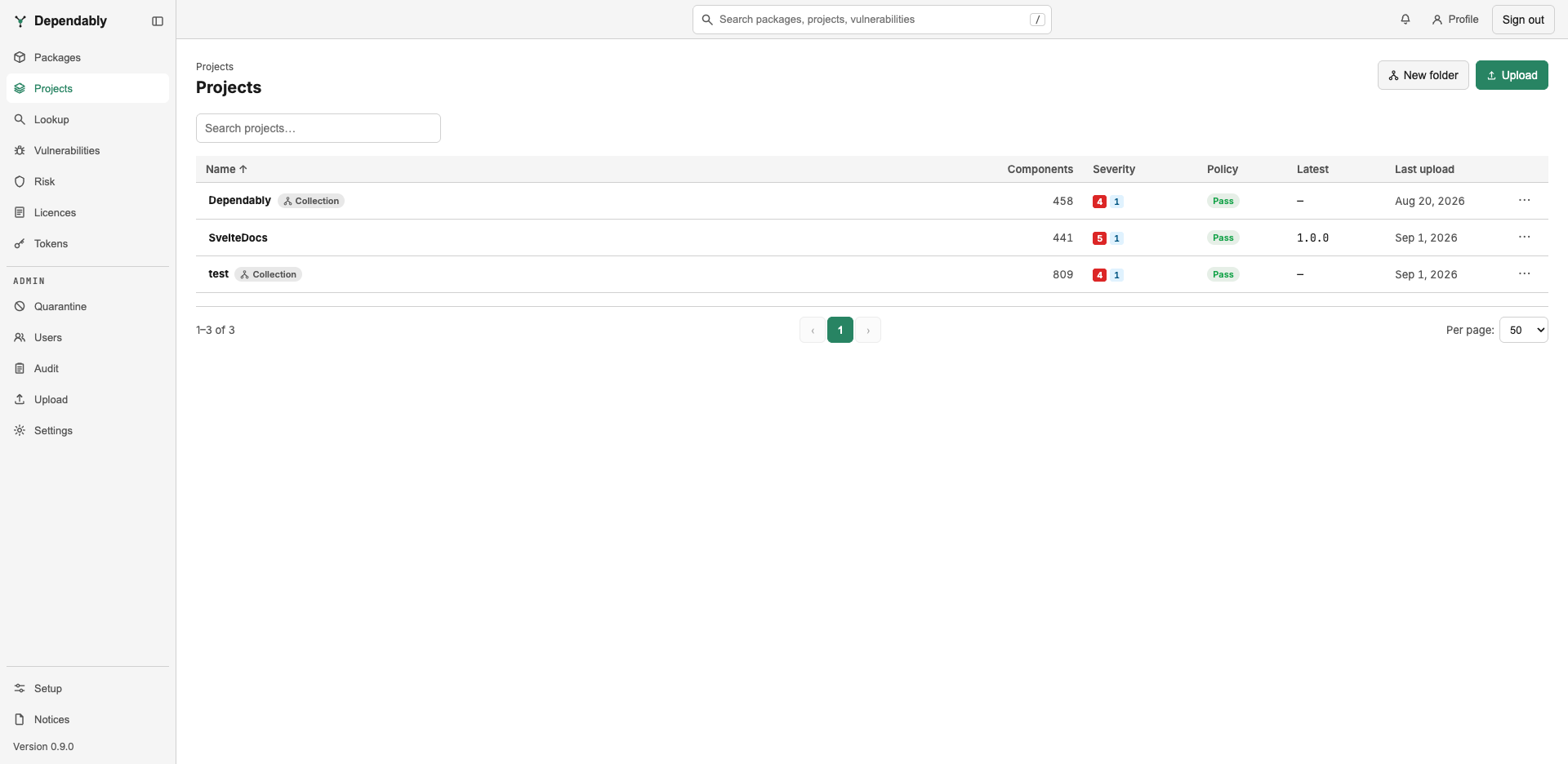
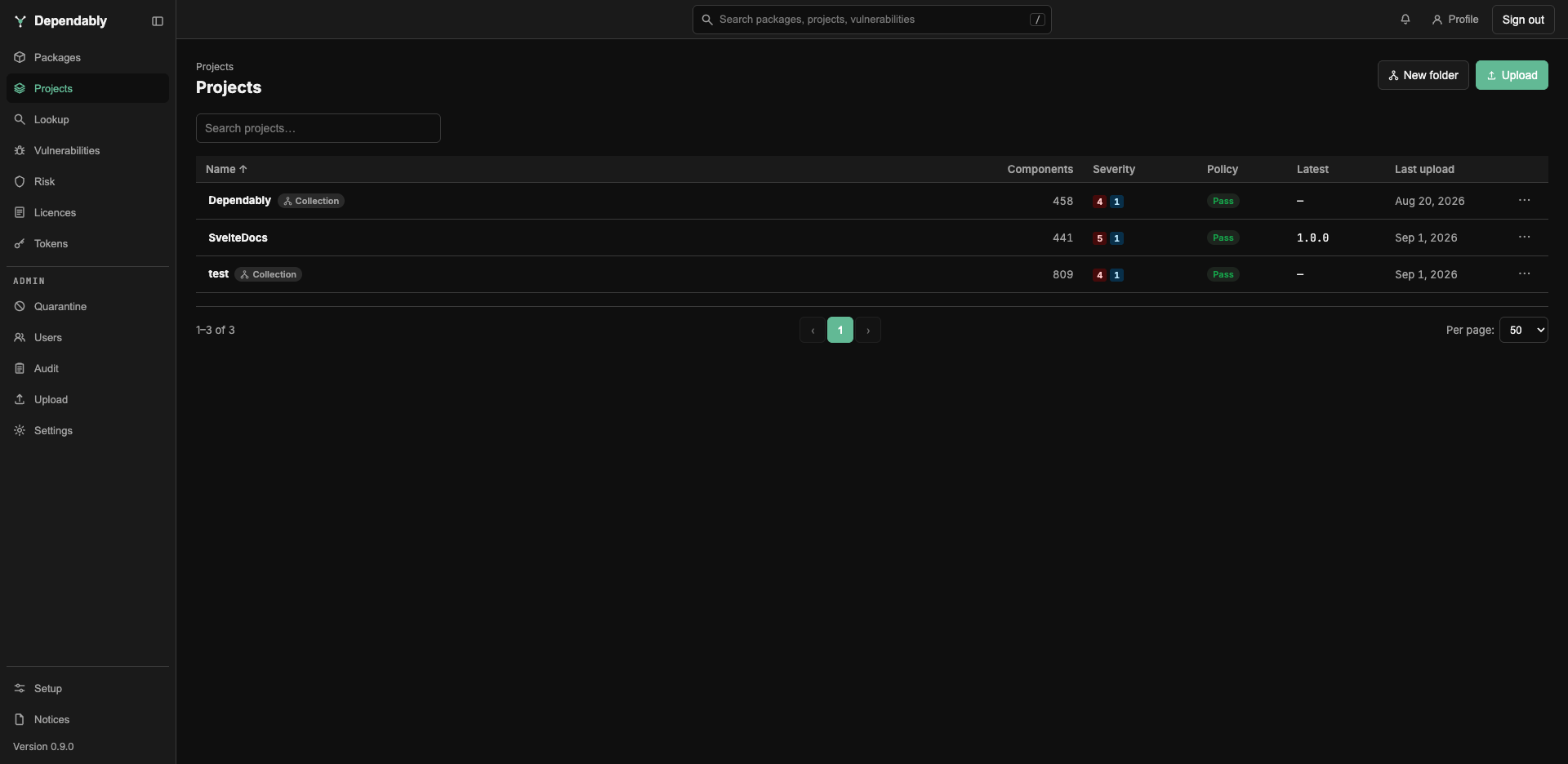
Every signed-in user can browse projects, open any version, and export its documents. Creating, uploading, and triaging are administrator actions — see What needs an administrator.
Browse projects
The list shows every project and folder at the top level. Type in Search projects… to match any part of a name; a project nested in a folder shows indented under its folder.
| Column | Meaning |
|---|---|
| Name | The project or folder. Folders carry a Collection badge. |
| Components | How many components the latest version's SBOM lists. |
| Severity | Advisory counts for the latest version by severity, plus a known exploited badge when any is in the CISA Known Exploited Vulnerabilities Catalog. A dash means no known vulnerabilities. |
| Policy | The latest version's verdict: Pass, Warn, Violation, or Not scanned when it has not been evaluated. |
| Latest | The version marked latest. |
| Last upload | When a document was last uploaded to the project. |
Select a row to open it.
Folders
A folder groups projects and holds no versions of its own. Opening one shows counts rolled up across everything inside it — Projects (all levels), Components (rolled up), Findings (rolled up), and Policy (rolled up) — and a Projects in this collection table. The rolled-up policy is the worst verdict in the folder, and a note reads n of m not evaluated when some projects have never been scanned.
A project and its versions
The project page shows Versions, Components (latest), and Policy (latest), then a Versions table with each version's component count, policy verdict, and upload date. The version marked Latest carries a badge. Select a version to open it.
A version's components
The version page is where the analysis lives.
- Policy — a ribbon showing the verdict, with the component total split by production and development scope, and a priority breakdown. When the verdict is Violation, select the ribbon to show only the violating components.
- Risk pillars — the worst advisory severity, the licence findings, and the policy verdict, side by side.
- Filters — search by name; narrow by scope (All, Prod, Dev), by severity, or by reachability; show only policy violations; include suppressed findings.
- The component table — one row per component with its version, whether the registry knows it (blocked, deprecated, outdated, unknown, or never served here), whether it is a direct or transitive dependency, its licences, its advisories, and a priority of act, attend, track, or suppressed. Expand a row to read each advisory and any triage decision recorded against it.
- Unmatched analysis — statements from an uploaded VEX (Vulnerability Exploitability eXchange) or SARIF (Static Analysis Results Interchange Format) document that named a package the SBOM does not contain. They are shown rather than dropped.
- Documents — every document uploaded for this version, with its type, format, producing tool, SHA-256 digest, size, and uploader. Download original returns the exact bytes that were uploaded.
Export on the version page produces a fresh document from what Dependably knows now: an SBOM — inventory (CycloneDX), an SBOM — with vulnerabilities (VDR), or a VEX document.
What needs an administrator
Members read; administrators and owners change. The following controls do not appear for a member:
- Upload an SBOM, VEX, or SARIF document, from the page or through the API. The upload accepts CycloneDX 1.4–1.7 JSON, OpenVEX, and SARIF 2.1.0; VEX and SARIF enrich the SBOM already uploaded for that version. Uploads are capped at 50 MB unless the operator raises the limit.
- New folder, and Edit… or Delete on a project or folder. Deleting a folder removes everything inside it.
- Promote to latest and Delete on a version.
- Rescan a version against current advisories, at most once an hour.
- Record a triage decision on a finding.
- Export from a folder page, which bundles every project in the folder at its latest version.
A member who needs any of these asks an administrator, who will find the project-level permissions in Access control (RBAC).
Related
- SBOM, VEX, SARIF, and the scoring terms: Glossary.
- The registry's own view of a component: Packages.
- Every advisory across every cached version: Vulnerabilities.