Risk
The Risk page lists the versions in your registry that deserve a second look for a reason other than a vulnerability: they are far behind upstream, or their licence is blocked, conditional, or unknown. Members, admins, and owners can open it, and it is read-only. Select a row to open the package, where an administrator can block or allow the version.
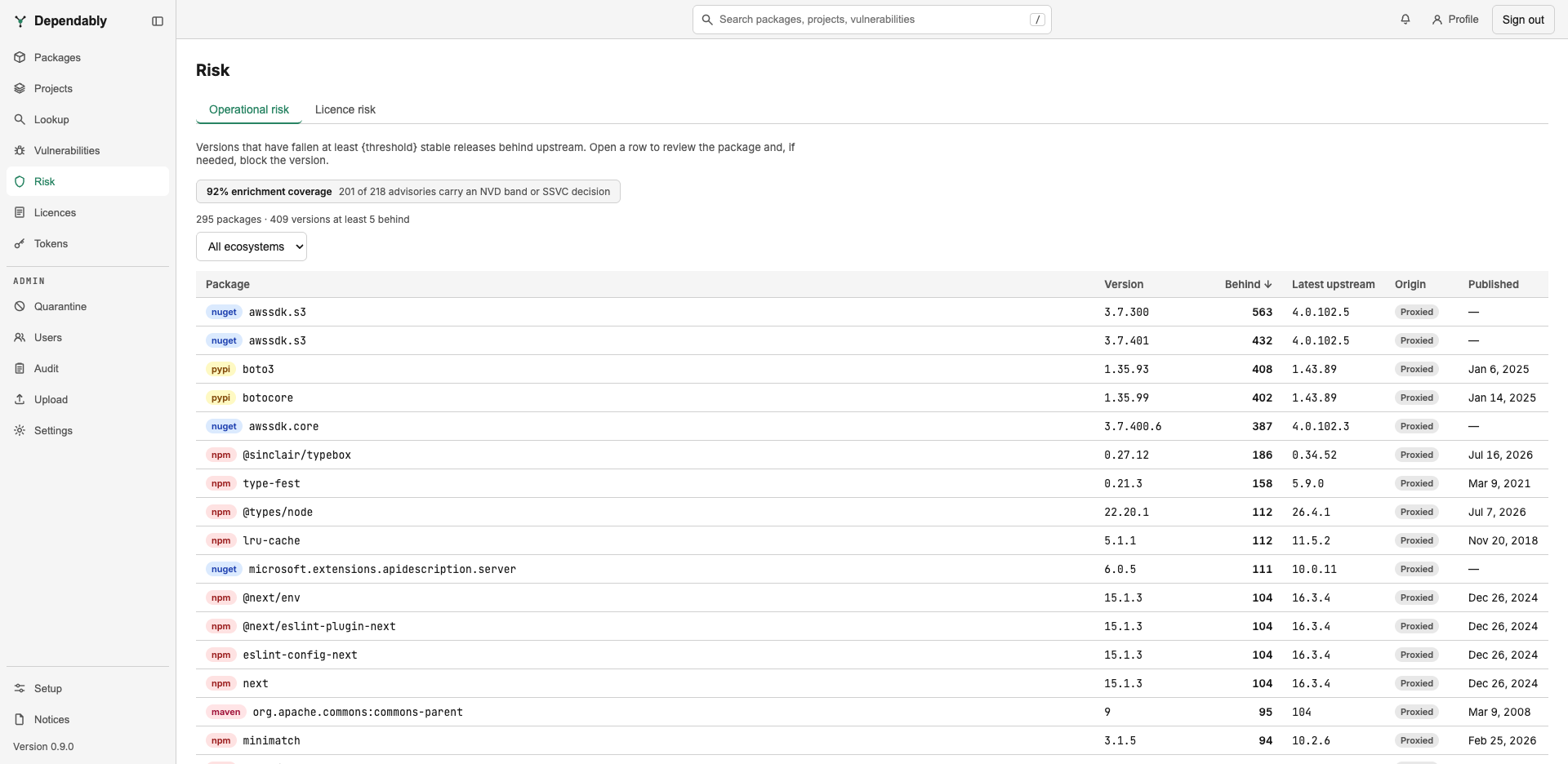
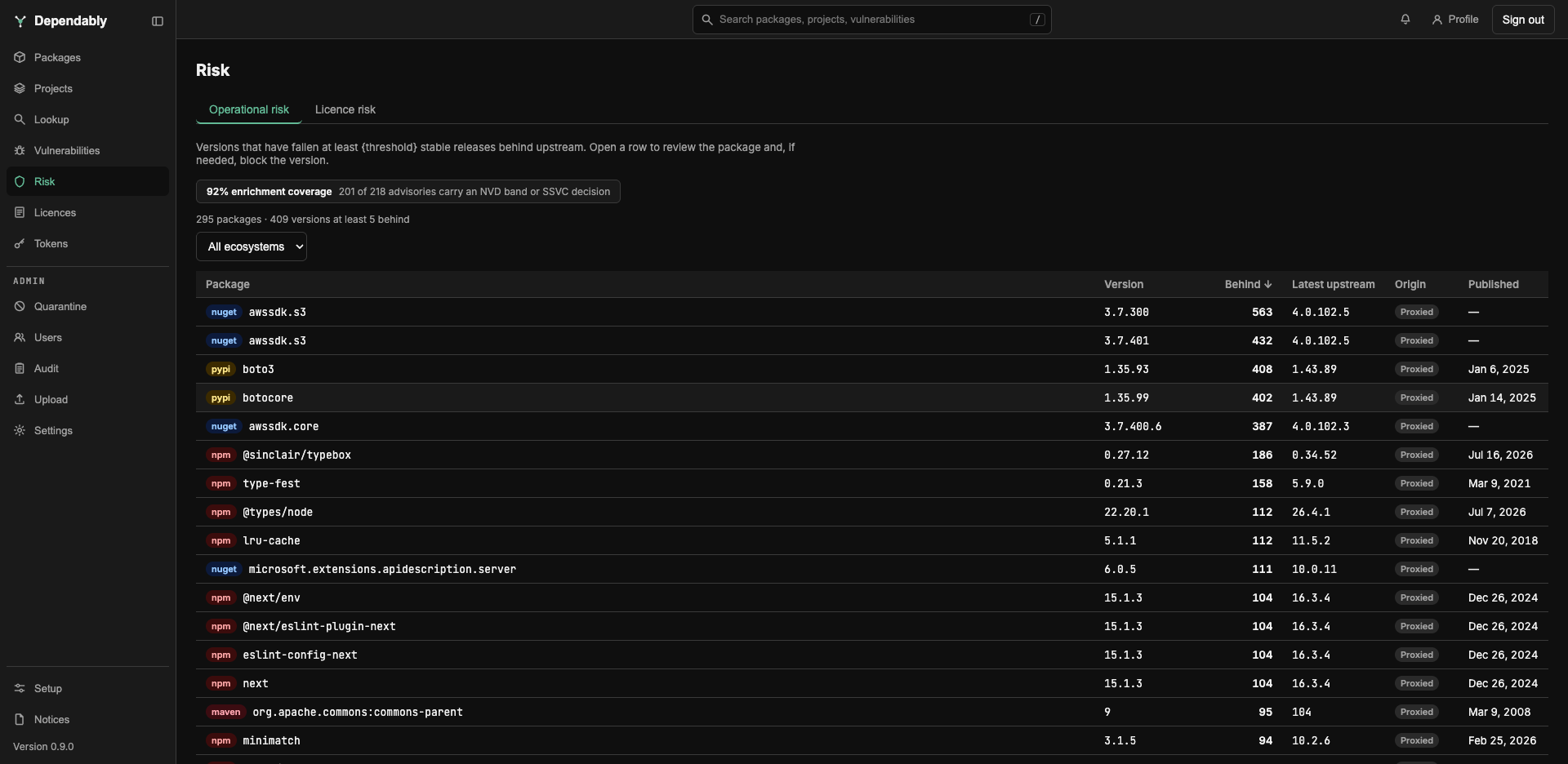
Operational risk
Versions that have fallen at least 5 stable releases behind upstream. The threshold is fixed. The summary line above the table counts the packages and versions at that threshold.
| Column | Meaning |
|---|---|
| Package | The package, with its ecosystem badge. |
| Version | The cached version. |
| Behind | How many stable releases upstream has published since. The list opens sorted by this column, largest first. |
| Latest upstream | The newest version upstream. |
| Origin | Hosted (published to your registry) or Proxied (cached from upstream). |
| Published | When the version was published. |
Licence risk
Versions whose licence stands out against your organization's licence policy, whatever the enforcement mode. The Reason column says why, and the reason filter narrows the list to one:
| Reason | Meaning |
|---|---|
| Blocklisted | The version carries a licence on the block list. |
| conditional | The version carries a licence your organization permits with a condition. It serves normally; the row is here so someone checks the condition. |
| No licence | No licence could be extracted from the version at all. |
The list opens sorted by reason in the order of the table above. A version that matches more than one reason shows one: No licence first, then Blocklisted, then conditional. The other columns are Package, Version, Licences (the SPDX identifiers recorded), Origin, and Published.
Filters and enrichment coverage
Each tab filters by Ecosystem, sorts by column header, and pages at the bottom. The filters, sort, and tab are kept in the page address.
A line above the table reports how many advisories a vulnerability tracker has enriched: Vulnerability-tracker connection not configured, No advisories to enrich, or a percentage with the count of advisories that carry an NVD band or SSVC decision. Connecting a tracker is an administrator setting.
Related
- Advisories affecting cached versions: Vulnerabilities.
- The Overview Operational risk and Licence risk cards open these tabs. The Overview's licence count leaves conditional licences out; this page lists them.